The Secret JSON Prompt System That Can Make Your AI Images Sell
The problem when we generate image is that we use it like a slot machine, we keep prompting and prompting, hoping the AI spit out an image that’s close to our imagination. You need to engineer prompts, just like cinematographers plan a scene.

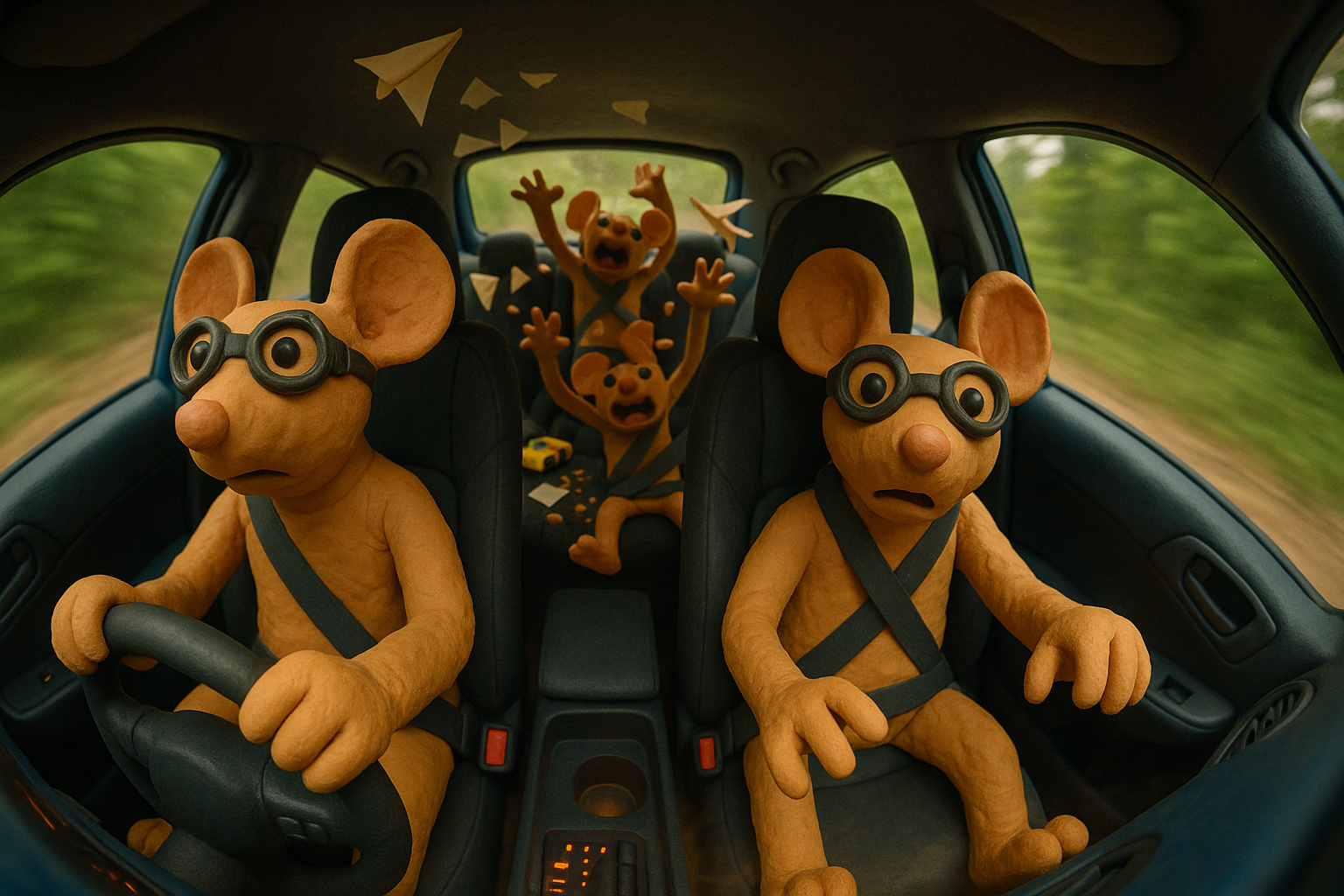
If you’ve ever typed something like:
“clay dog on moon”
…and got back something totally different from what you imagined, that looks “AI”, it’s not the AI’s fault, it’s your prompt.
The problem when we generate image is that we use it like a slot machine, we keep prompting and prompting, hoping the AI spit out an image that’s close to our imagination.
You need to engineer prompts, just like cinematographers plan a scene.
Why This Isn’t Just About Pretty Pictures
People are already using AI-generated images to make money in:
- Etsy: Printable wall art, digital posters, stock illustrations.
- Upwork / Fiverr: Custom illustrations, product mockups, marketing assets.
- Shopify / Amazon Merch: Apparel and merch designs.
- Stock Photo Sites: Adobe Stock, Shutterstock accept AI-generated work (if disclosed).
- Social Media Branding: Influencers sell themed image packs for their niches.
However, Most AI art isn’t consistent enough to sell. Buyers want a look that’s repeatable. That’s where structured JSON prompts come in.
Why This Works Like Magic
- AI loves structure: The more you break down your vision into properties, the closer the AI sticks to it.
- JSON is reusable: One template, endless variations.
- It’s future-proof: Works for DALL·E, Midjourney, Stable Diffusion, and whatever comes next.
The Prompt Blueprint AI Whisperers Use
Copy this. Keep it. Share it. This is your new master key:
{
  "image_purpose": "still_life | portrait | landscape | editorial | concept_art",
  "scene": {
    "environment": "studio | interior | exterior | on_location",
    "background": {
      "material": "painted wall | seamless paper | fabric | natural scenery",
      "color_tone": "neutral-warm | neutral-cool | vivid | dark",
      "cleanliness": "clean | textured | aged"
    },
    "surface": {
      "material": "wood | stone | glass | metal",
      "tone": "light | medium | dark",
      "finish": "matte | satin | glossy"
    }
  },
  "composition": {
    "framing": "horizontal | vertical | square | panoramic",
    "tiers": 1,
    "arrangement_notes": "grid | staggered | pyramid | asymmetric",
    "negative_space": "tight | medium | airy",
    "camera_height": "eye-level | slightly above | slightly below"
  },
  "camera": {
    "focal_length_mm": 35,
    "aperture_f": 4,
    "lens_type": "prime | zoom",
    "focus_strategy": "all subjects sharp | selective",
    "distance_descriptor": "close | mid | wide"
  },
  "lighting": {
    "type": "natural | strobe | continuous",
    "direction": "left | right | back | top",
    "quality": "diffused | soft | hard",
    "contrast": "low | medium | high",
    "color_temperature": "neutral | warm | cool",
    "shadow_behavior": "soft edge | defined"
  },
  "color_grading": {
    "palette_keywords": ["warm beige", "soft teal"],
    "saturation_level": "muted | natural | vivid",
    "overall_warmth": "cool | neutral | warm"
  },
  "materials_and_texture": {
    "primary_materials": ["ceramic", "wood"],
    "surface_finish": "unglazed | glossy | satin",
    "texture_notes": "fine grit, brushed lines"
  },
  "mood": ["calm", "earthy", "inviting"],
  "imperfections": {
    "include": true,
    "types": ["uneven rims", "finger depressions", "tiny nicks"]
  },
  "subjects": [
    {
      "id": "s1",
      "category": "vase | bowl | figure | other",
      "tier": "upper | lower",
      "pose_or_orientation": "front-facing | 3/4 | profile",
      "silhouette": "cylindrical | rounded | irregular",
      "special_features": [],
      "proportion_notes": "",
      "size_relative": "small | medium | large",
      "condition": "handmade irregularities emphasized"
    }
  ],
  "depth_of_field": {
    "subject_sharpness": "all subjects crisp",
    "background_softness": "subtle",
    "bokeh_character": "minimal | creamy"
  },
  "post_processing": {
    "cleanup": "minor dust removal",
    "authenticity": "retain crafting marks",
    "grain": "none | subtle"
  },
  "output": {
    "aspect_ratio": "3:2 | 4:3 | 16:9",
    "resolution": "high",
    "crop_safety": "no tight crops",
    "file_style": "photorealistic | painterly"
  }
}
THIS IS NOT EXTENSIVE. you can add your own values, for example, if you want 6 different specific items, you can create your own JSON item.
Pro tips: If you don’t know how to, describe it to AI and they’ll help you.
Example: Turning This Into AI Gold
Before (Vague Prompt):
“clay dog on moon”
After (JSON-Engineered Prompt):
{
  "image_purpose": "still_life",
  "scene": {
    "environment": "studio",
    "background": {
      "material": "sculpted clay backdrop",
      "color_tone": "dark-cool",
      "cleanliness": "clean",
      "color_hex": "#2b2b2b"
    },
    "surface": {
      "material": "matte clay base",
      "tone": "neutral-grey",
      "finish": "matte",
      "color_hex": "#7d7d7d"
    }
  },
  "composition": {
    "framing": "vertical",
    "tiers": 1,
    "arrangement_notes": "dog centered on clay moon with background stars evenly distributed for balance",
    "negative_space": "medium",
    "camera_height": "eye-level"
  },
  "camera": {
    "focal_length_mm": 50,
    "aperture_f": 4.5,
    "lens_type": "prime",
    "focus_strategy": "sharp on dog and moon, slightly blurred background",
    "distance_descriptor": "mid"
  },
  "lighting": {
    "type": "softbox",
    "direction": "upper-left",
    "quality": "diffused",
    "contrast": "medium",
    "color_temperature": "neutral-warm",
    "shadow_behavior": "soft edge"
  },
  "materials_and_texture": {
    "primary_materials": ["unglazed clay"],
    "surface_finish": "unglazed",
    "texture_notes": "visible fingerprints, uneven edges, thumb-pressed moon craters",
    "color_palette": {
      "dog_black": "#2f2f2f",
      "dog_white": "#f5f1e8",
      "moon_grey": "#8d8d8d",
      "stars_yellow": "#f4c542",
      "glasses_grey": "#c3c3c3"
    }
  },
  "mood": ["whimsical", "playful", "tactile"],
  "imperfections": {
    "include": true,
    "types": ["fingerprints", "tool marks", "slight misalignments", "uneven clay edges"]
  }
}
“A horizontal still-life photograph of six unglazed beige clay ceramics on two tiers of light matte wooden shelving against a clean, neutral-warm wall. Natural diffused light from the left casts soft shadows. Shot with a 50mm prime lens at f/4, all subjects in crisp focus. Visible imperfections — uneven rims, subtle finger depressions — enhance the handmade feel.”
Generated Image:
Vocabulary Cheat Sheet
This is what I use, the art in prompt engineering is that you can create your own categories. When getting started, you can use mine as guide.
When you’re trying to describe an image for creative direction, AI prompts, or photography notes, it helps to break it down into specific categories.
1. Image Purpose
What’s the core intent of the shot?
- Still Life — Product shots, tabletop photography (e.g., food spread on marble countertop)
- Portrait: People, characters, pets (e.g., editorial headshot)
- Landscape: Wide outdoor scenes (e.g., sunset over mountains)
- Editorial: Storytelling, lifestyle (e.g., street fashion spread)
- Concept Art: Creative worldbuilding (e.g., fantasy cityscape)
2. Scene Environment
Where does the shot take place?
- Studio: Controlled light, clean look (jewelry product photo)
- Interior: Indoor space (kitchen, library)
- Exterior: Outdoor space (garden, street)
- On Location: Recognizable place (café in Paris)
3. Background
Material
- Painted wall, seamless paper, fabric, natural scenery
Color Tone
- Neutral-warm (beige, cream)
- Neutral-cool (gray, slate)
- Vivid (bold, pop colors)
- Dark (black, charcoal)
4. Surface Material
What’s the subject sitting on?
- Wood, stone, glass, metal
5. Composition & Framing
- Horizontal: Landscapes, group scenes
- Vertical: Portraits
- Square: Social media posts
- Panoramic: Wide scenic shots
6. Camera & Lens
Focal length changes perspective:
- 24mm: Wide, dramatic
- 35mm: Versatile, cinematic
- 50mm: Human-eye look
- 85mm: Portrait compression
7. Lighting
Type: Natural, strobe, continuous
Direction: Left, right, back, top
Quality: Diffused, soft, hard
8. Color Grading
Palette keywords like:
"warm beige", "soft teal", "charcoal black", "sunset orange"
9. Materials & Texture
- Unglazed: Raw, matte
- Glossy: High shine
- Satin: Soft sheen
10. Mood
Think emotional tone: calm, earthy, inviting, dramatic, luxurious, mysterious.
11. Imperfections
Small details that add character: uneven rims, faint seam lines, patina scratches.
12. Subject Category
- Vase, bowl, figure, teapot, amphora
13. Depth of Field
- All subjects crisp: product style
- Selective focus: portrait style
14. Post-Processing
- Retain crafting marks: handmade feel
- Perfect finish: high-end polish
15. Output Ratio
- 3:2: Photography standard
- 4:3: Classic frame
- 16:9: Widescreen
If this helped you see AI prompts in a new way:
- Bookmark this post — you’ll want this template again.
- Share it with one creative friend who needs consistent AI art.
- Tag me when you launch your first AI-generated product using this system — I might feature it in the next update.