JavaScript Isn't "Just for the Browser" Anymore (And That's the Point)
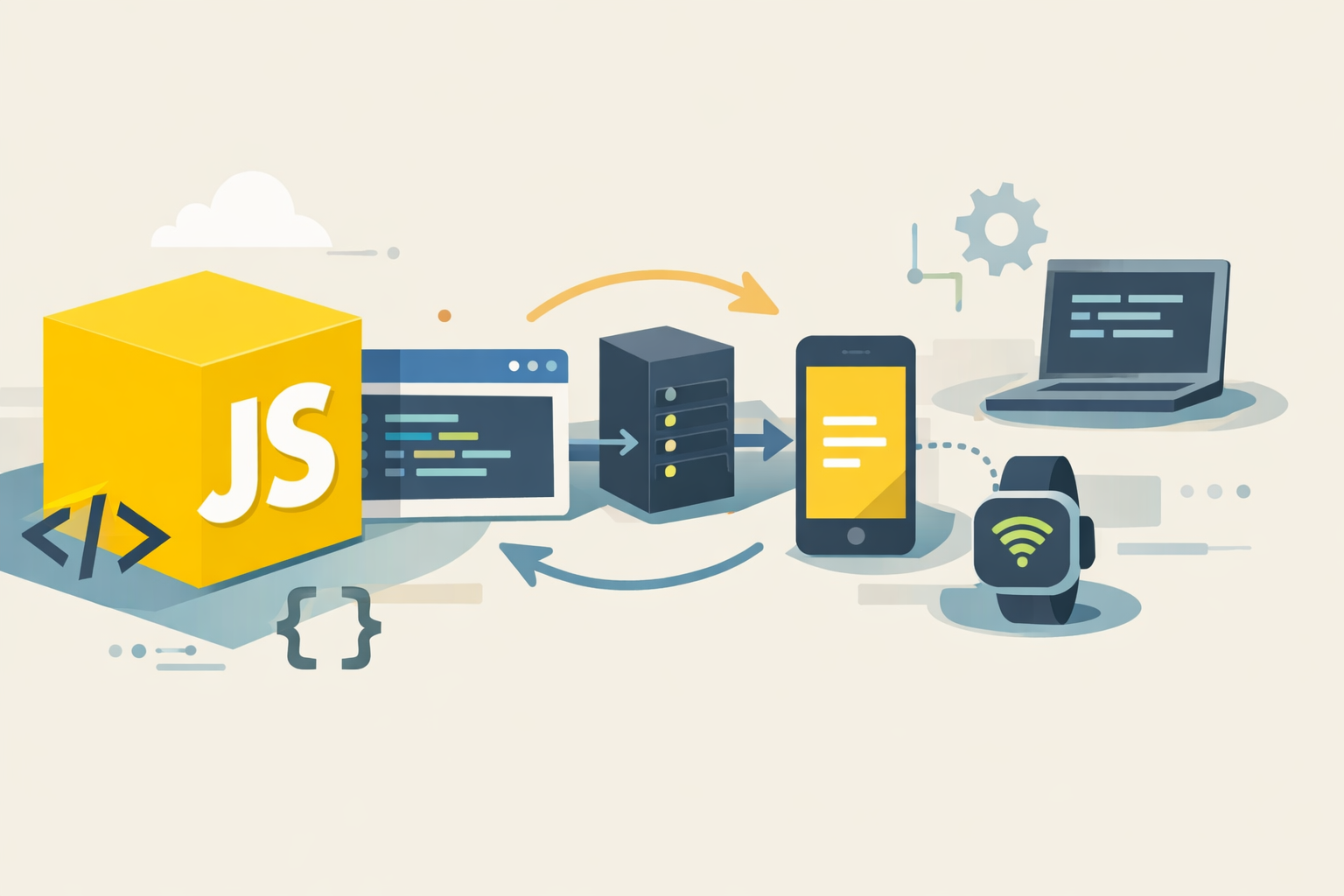
JavaScript has a weird reputation. Some people think of it as the "toy language" you use to add a dropdown menu. Others see it as the duct tape holding half the internet together. The truth is more interesting: JavaScript is a general-purpose language that happens to run everywhere-browsers, servers, phones, desktop apps, even tiny devices-and it's evolved into a surprisingly expressive toolset. If you're learning JavaScript (or coming back to it after a break), here's a practical tour of what matters and how to think like a modern JS developer.

⸻
THE REAL SUPERPOWER: JAVASCRIPT’S RUNTIME REACH
Most languages give you a nice syntax and a set of libraries. JavaScript gives you distribution. Every modern browser runs it instantly. On the server, Node.js lets you use the same language to write APIs, scripts, CLIs, and background jobs. That means you can share code across environments: validation logic, formatting functions, even parts of business rules.
But it’s not just “write once, run anywhere.” It’s “ship anywhere, fast.” For web apps, JavaScript is the language of user interfaces. For teams, it’s a common denominator: front-end and back-end can speak the same language, share tooling, and reuse patterns.
⸻
VARIABLES, SCOPE, AND WHY let CHANGED EVERYTHING
Old JavaScript used var, and it caused confusion because of function-scoping and hoisting. Modern JavaScript uses let and const, which are block-scoped and much easier to reason about.
Use const by default. Use let when the variable must change. Avoid var unless you’re dealing with legacy code.
Example:
const apiUrl = "https://example.com/data";
  let retries = 0;
while (retries < 3) {
  retries++;
}
This simple rule (“const first”) makes code more predictable and reduces accidental bugs.
⸻
FUNCTIONS: FROM “CALLBACK HELL” TO CLEAN ASYNC CODE
JavaScript is asynchronous by nature, because it lives in environments that do a lot of waiting: network requests, timers, user input, file reads. Early JS handled async with callbacks, which could become deeply nested and painful to debug.
Promises improved this, and async/await made it feel natural.
Example:
async function getUser(userId) {
  const res = await fetch(/api/users/${userId});
  if (!res.ok) throw new Error("Request failed");
  return res.json();
}
getUser(42)
.then(user => console.log(user))
.catch(err => console.error(err));
Two key mental models help here:
1. Async code is still sequential—just not blocking. await pauses the function, not the entire program.
2. Errors are just exceptions. Use try/catch around await the same way you would around normal code.
Example:
async function safeGetUser(id) {
  try {
    return await getUser(id);
  } catch (e) {
    return null;
  }
}
⸻
OBJECTS, ARRAYS, AND THE “MODERN SYNTAX” YOU ACTUALLY USE
JavaScript is often described as “prototype-based,” but day-to-day you’ll mostly work with objects and arrays. Modern syntax makes these structures nicer to manipulate.
Destructuring:
const user = { name: "Ava", role: "admin" };
const { name, role } = user;
//Spread and Rest:
const base = { theme: "dark", sidebar: true };
const settings = { …base, sidebar: false };
function sum(…nums) {
  return nums.reduce((a, b) => a + b, 0);
}
Optional Chaining and Nullish Coalescing remove a lot of defensive code:
const city = user.address?.city ?? "Unknown";
Optional chaining (?.) stops if something is null or undefined. Nullish coalescing (??) uses the right side only if the left is null/undefined (not if it’s 0 or an empty string).
⸻
MODULES: THE BACKBONE OF REAL PROJECTS
In modern JavaScript, you’ll organize code using ES Modules:
math.js:
export function add(a, b) {
  return a + b;
}
main.js:
import { add } from "./math.js";
console.log(add(2, 3));
Modules matter because they force clarity: what a file exposes, what it depends on, and how the app fits together. They also enable bundlers, tree-shaking, and better tooling—so your production code can stay lean.
⸻
THE QUIET HERO: TOOLING AND TYPE SAFETY
JavaScript’s flexibility is a blessing and a curse. You can ship quickly, but dynamic typing can bite you in large codebases. That’s why modern JS development often includes:
• Linters (catch mistakes and enforce style)
• Formatters (keep code consistent)
• Type checking (reduce runtime surprises)
Even if you stick to plain JavaScript, adopting strict linting and good tests will save you. If you choose to add types, the goal isn’t to make code “academic”—it’s to make refactors less scary and bugs less sneaky.
⸻
HOW TO GET GOOD AT JAVASCRIPT (WITHOUT MEMORIZING EVERYTHING)
You don’t become strong in JavaScript by memorizing every array method. You become strong by building instincts:
• Understand how values and references work (objects vs primitives).
• Get comfortable with async flows (Promises, async/await).
• Practice reading error messages and using the debugger.
• Build small projects that force you to organize code with modules.
JavaScript rewards momentum. Start simple, ship something, then improve it. The language will meet you where you are—and keep scaling with you long after “just add a button” stops being the goal.
Get AI scheduling insights, product news, and Bay Area community updates delivered to your inbox.
No spam. Unsubscribe anytime.